
Employee files are easy to neglect until someone needs one urgently – and an organisation’s lack of secure employee document storage becomes glaringly evident.
A payroll query comes through. A manager requests proof of a current licence. A visa check is due to expire. Or an auditor asks for evidence that a worker signed the right documents before starting.
In many businesses, that information still lives across inboxes, shared drives, spreadsheets, desktop folders, and yes, filing cabinets. That might work when the team is small, but as the workforce grows, so do the risks: misplaced files, missed expiry dates, payroll delays, and gaps in compliance evidence.
Secure employee document storage isn’t just about tidying up HR files. It impacts compliance, payroll accuracy, privacy, as well as how confidently teams can manage the workforce day to day.
This is where Xemplo can help businesses.
From collecting and storing to managing digital employee records as part of the wider workforce lifecycle, documents are connected to onboarding, compliance checks, payroll preparation, and the workflows managers usually rely on (instead of sitting in some hidden standalone folder).
Here is your guide to secure employee document storage.
The hidden dangers of standard cloud storage
Shared drives and cloud folders have their time and place. Employee records, however, should be treated as distinct from generic storage solutions.
The latter contains personal, payroll, and compliance information that various teams may need to access at different levels. And that’s precisely why the former can leave businesses exposed.
Shared folders are an access nightmare
Access control is usually where shared drives become messy.
Folders are created quickly (often without much fore- or afterthought). Permissions are only added when someone asks. People move roles, teams change, and old access isn’t always revoked.
Before long, a manager may still be able to view files from a previous team. Or payroll documents may sit beside general onboarding paperwork.
This is where HR document storage becomes more than an admin problem.
A manager might need to confirm a worker has completed induction or holds a current licence; they don’t need unrestricted access to bank details, tax information, or private HR notes. Payroll might need some of that information, but not every document attached to the worker.
Good document management reflects this: access ideally based on a person's role in the process, not on procedural negligence.
Expiry dates are easy to miss
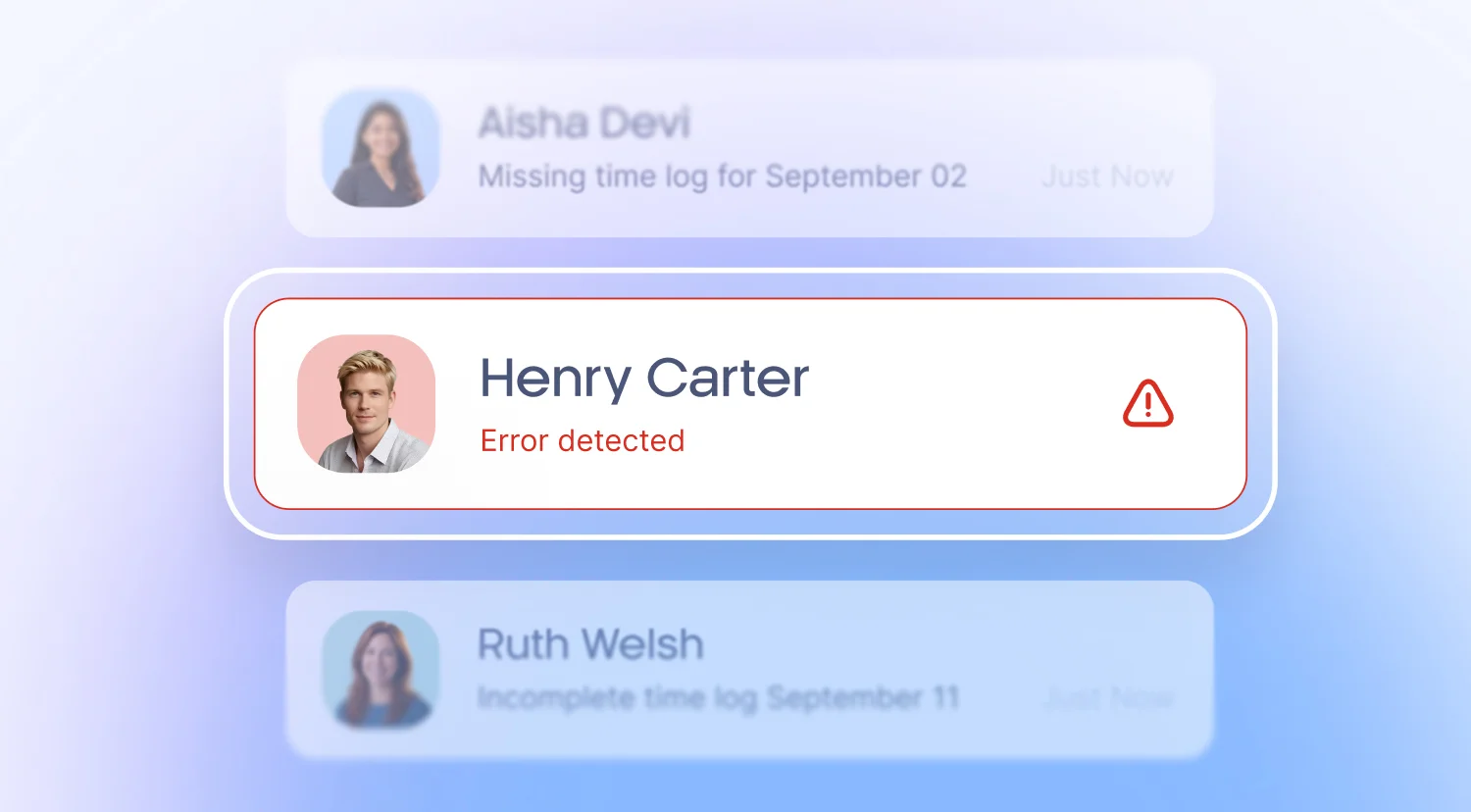
A shared folder can hold a document. It won’t remind you when that document is about to expire.
That matters when you’re managing timely documents such as visas, licences, police checks, working with children checks, insurance certificates, first aid qualifications, or role-specific credentials.
If they’re stored in a folder, someone still has to track their expiration dates – usually through spreadsheets, calendar reminders, or manual follow-ups.
Secure employee document storage should include automated alerts, expiry tracking, and compliance visibility, so teams can act before a document becomes a problem.
Scattered records make audits difficult
Audits tend to become needlessly complicated when nobody is completely sure where the latest version of a document lives or, indeed, which version is the latest.
HR might be checking shared folders. Payroll might be looking elsewhere in an entirely separate system. Managers may have documents saved locally. Some files could still be buried in email threads or uploaded to the wrong place.
A single, structured employee record makes it easier to find contracts, policies, payroll documents, training records, licences, and compliance evidence when the time comes.
Secure employee document storage essentials
A secure folder is simply not enough. In this day and age, HR teams require full visibility over who has access, which documents are missing, what is expiring, and whether the right records are attached to the right worker.
Role-based permissions
Access should be based on what someone actually needs to do their job, i.e. managers knowing whether a worker has completed induction, not tax details, bank information, or confidential HR notes.
Good HR document management software makes those access rules easy to manage as teams, roles, and worker records evolve.
Built-in compliance frameworks
Compliant employee file storage starts before the worker’s first day.
During onboarding, a business generally collects:
- Signed contracts
- Policy acknowledgements
- Fair Work Information Statements
- Tax and superannuation details
- Bank information
- Evidence of visa or work rights
- Licences and certifications
- Background checks
- Training records
The problem usually isn’t whether these documents exist. It’s whether they’ve been collected consistently, stored against the right worker, and made available to the right teams without divulging unnecessary information.
With Xemplo, employee records are established through structured onboarding workflows – providing HR, payroll, and operations with a more consistent source of truth.
Automated document lifecycles and compliance
Most employee documents have a life beyond the day they’re uploaded.
Licences expire. Training needs to be renewed. Visas change. Certifications need updating. Contracts may need to be reviewed when employment conditions change.
If a team is relying on spreadsheets or calendar reminders to manage all of that, things can fall through the cracks. Intelligent, secure employee document storage helps teams immediately zero in on what’s missing, what’s expiring, and next steps.
At a minimum, teams should be able to record issue and expiry dates, receive proactive alerts before expiries, prompt workers to upload updated documents, and anticipate compliance gaps across the workforce.
This is especially important for high-volume, casual, contingent, or mobile workforces, where manually tracking documents quickly becomes unmanageable.
Encryption, audit trails, and data governance
Security built into the way documents are handled behind the scenes? Almost non-negotiable in the 21st century.
Look for secure data handling, controlled access, encryption, audit trails, and clear governance over employee records. Audit trails are particularly useful, given that they show when a document was accessed or updated, and by whom.
That level of traceability can make a big difference when HR needs to investigate an issue, respond to a compliance request, or prove that the right process was followed.
For payroll and employee records, these controls help support privacy, compliance and internal governance.
Moving employee files out of folders and into a proper system
Making the switch from analogue, paper-based files and shared drives to digital employee records doesn’t have to be an all-consuming overhaul right from the jump.
Before you rip out everything from the cabinets to the kitchen sinks, just start with the highest-risk records – then build a cleaner process for every new worker going forward.
Step 1: Audit your current file system
Begin with a simple audit of where employee documents currently live. In most businesses, the answer isn’t a single place. It may be a mix of shared drives, inboxes, payroll software, manager folders, spreadsheets, physical files, and old HR systems.
From there, identify which documents are business-critical, which are out of date, who has access, and which records should no longer be sitting in unsecured locations.
Step 2: Define access levels and roles
Before uploading documents into your shiny new system, decide who needs access to each type of record. Like we’ve explained ad nauseam: payroll may need bank and tax information, while managers may only need visibility over licences, training completion, or compliance status.
Defining these rules upfront will help avoid replicating those messy shared-drive permissions in what is meant to be a fresh slate.
Step 3: Consolidate onboarding and payroll pipelines
Onboarding is the logical place to collect most employee documents.
Workers are already providing personal details, signing contracts, acknowledging policies, uploading certifications, and submitting payroll information. Capturing those records properly at this stage saves HR and payroll from having to do clean-up duty later.
If document collection occurs in one system and payroll setup in another, teams often end up manually transferring data. This creates delays and increases the probability of errors.
The more structured (and sensible) approach is to collect employee information properly at onboarding – measure twice, cut once – then leverage that same record to support the processes that follow. Thus, reducing double-handling and making HR/payroll’s lives easier.
Step 4: Securely archive or destroy old records
Once documents have been migrated, review what needs to be done with the old copies. Some records may need to be retained, while duplicates or outdated versions may no longer need to sit in unsecured folders or filing cabinets.
Before deleting or destroying anything, verify your record retention obligations and internal policies.
Why all-in-one workforce management beats standalone storage
Standalone storage might consolidate and centralise your files. But that’s just half the problem – it also needs to address the workflow around those files.
If a document is uploaded but nothing happens afterwards, HR must manage the follow-up manually. Someone still needs to tell payroll the worker is ready. Someone still needs to check whether a licence is current. Someone still needs to update a spreadsheet or remind the manager.
Xemplo is designed to prevent this disconnect. Employee documents sit within a connected worker record. That way, onboarding, compliance, payroll preparation, and manager visibility all work from the exact same information.
A single source of truth.
For HR and payroll teams, that means far less time chasing documents and more confidence that worker records are complete.
Secure document storage is secure workforce compliance
Employee document security is about more than safeguarding your organisation against data breaches.
This is equally a matter of employee trust, payroll accuracy, compliance management, audit readiness, as well as the confidence teams have in their workforce data.
The goal should not be to just move files from one folder to another. The goal is to make employee records easier to trust.
HR should know which documents have been collected. Payroll should have the relevant information on hand at all times. And managers should always know whether a worker is ready without opening files they don’t need.
Xemplo bring these key records into one ecosystem – from onboarding right through to compliance and payroll preparation.