

JobAdder is a cloud-based recruitment management platform used by agencies and in-house talent teams to manage jobs, candidates, and placements in a single place. It brings sourcing, shortlisting, placement, and hiring workflows together, backed by a large ecosystem of job board and HR integrations.
Visit Website

Xemplo Native

Start onboarding automatically
Approved placements move into Xemplo and trigger onboarding.

Apply the right rate and contract
Rate Rules and Payment Type ensure you select the correct templates.

Capture once, use it right through
JobAdder data creates the Xemplo worker and assignment without re-entry.
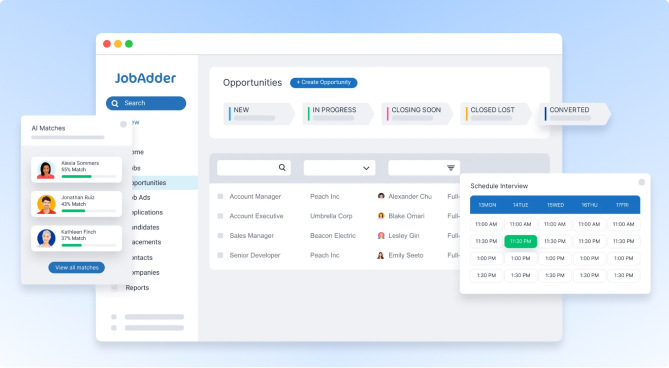
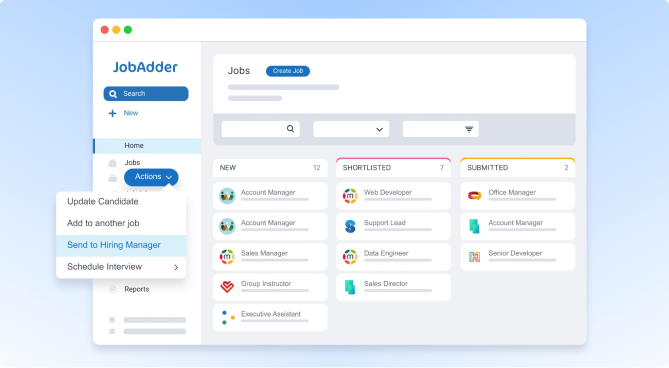
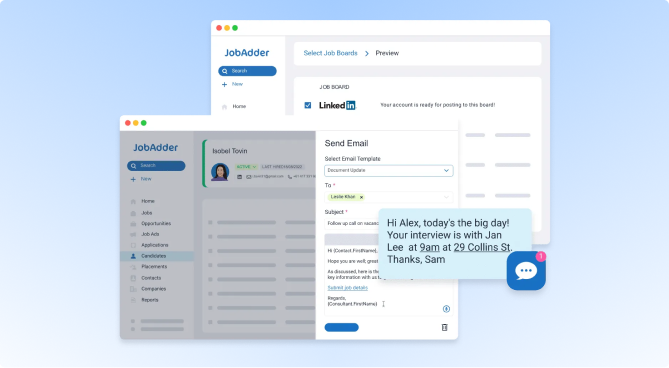
Your recruiters live in JobAdder. When a placement is approved and flagged for payroll, Xemplo takes over the middle and back-office work that follows – auto-generating the worker, assignment, onboarding, and contract; then handling compliance, timesheets, payroll preparation, and client billing.
Why connect JobAdder to Xemplo?
When a placement is ready for payroll and timesheets, Xemplo automatically creates the worker, assignment, onboarding workflow, and contract.

Xemplo reuses JobAdder placement data to create the assignment, onboarding workflow, and contract. No more copy-paste or manual re-entry.
Xemplo reuses JobAdder placement data to create the assignment, onboarding workflow, and contract. No more copy-paste or manual re-entry.

Rate Rules map the placement to the correct Xemplo rate template, while Payment Type applies the appropriate onboarding and contract workflow.

When a contractor business name and ABN are included, Xemplo creates the worker with Independent Contractor status. PAYG workers and contractors can follow the same integration flow.

Once the worker is in Xemplo, onboarding, compliance, timesheets, payroll preparation, and billing continue through a consolidated workflow.
Xemplo imports selected JobAdder placements and creates the corresponding assignment, engagement, worker, host company, and timesheet approver.
| In Integration | Sync Direction | In Xemplo |
|---|---|---|
 Placement
|
→ |
 Assignment
|
|
Job
|
→ |
Engagement
|
|
Candidate
|
→ |
Worker
|
|
Company
|
→ |
Host Company
|
|
Contact
|
→ |
Timesheet Approver
|
When a placement is approved in JobAdder with “Export to Payroll/Timesheets” ticked, Xemplo imports it and auto-generates an Assignment – the worker's active placement with the host client, carrying the details needed to support onboarding, timesheets, payroll, and billing. Pay and client rates on the placement carry through to the assignment.
JobAdder candidates become a Worker in Xemplo and their onboarding is triggered automatically. Xemplo uses the worker's email address to check for uniqueness, so matching emails across the two systems prevents duplicate worker profiles.
JobAdder Company is used to create or match the Host Company in Xemplo. Host Companies are linked to the Assignment and represents the client or organisation the worker is being placed with. Company data synced from JobAdder may include details such as the company name, address, and other agreed fields configured during implementation.
JobAdder Contacts are used to create or match approver records in Xemplo. Timesheet Approvers are responsible for reviewing and approving submitted timesheets in Xemplo.
As part of the same sync flow, the JobAdder Job is transformed into an Engagement in Xemplo. Similar to how a Job in JobAdder defines the business relationship between the agency and the client, an Engagement in Xemplo represents the relationship between the Agency and the Host Company. Assignments are then created underneath the Engagement and adopt this relationship.
The JobAdder integration relies on placement statuses to identify when a placement is ready to be imported into Xemplo. During implementation, placement statuses are configured to indicate that a placement should be synced. When a placement reaches the configured status, the integration automatically detects the placement and triggers the import process. No embedded interface or manual export action is required.
As part of the sync process, Xemplo can map a selection of field data from JobAdder entities for use in Contract creation. This allows client-specific data from JobAdder to be used as merge fields in these documents, helping streamline the document creation process using existing information.
Move approved placements into onboarding, compliance, payroll preparation, and billing without re-keying data between systems.
Request a Demo