
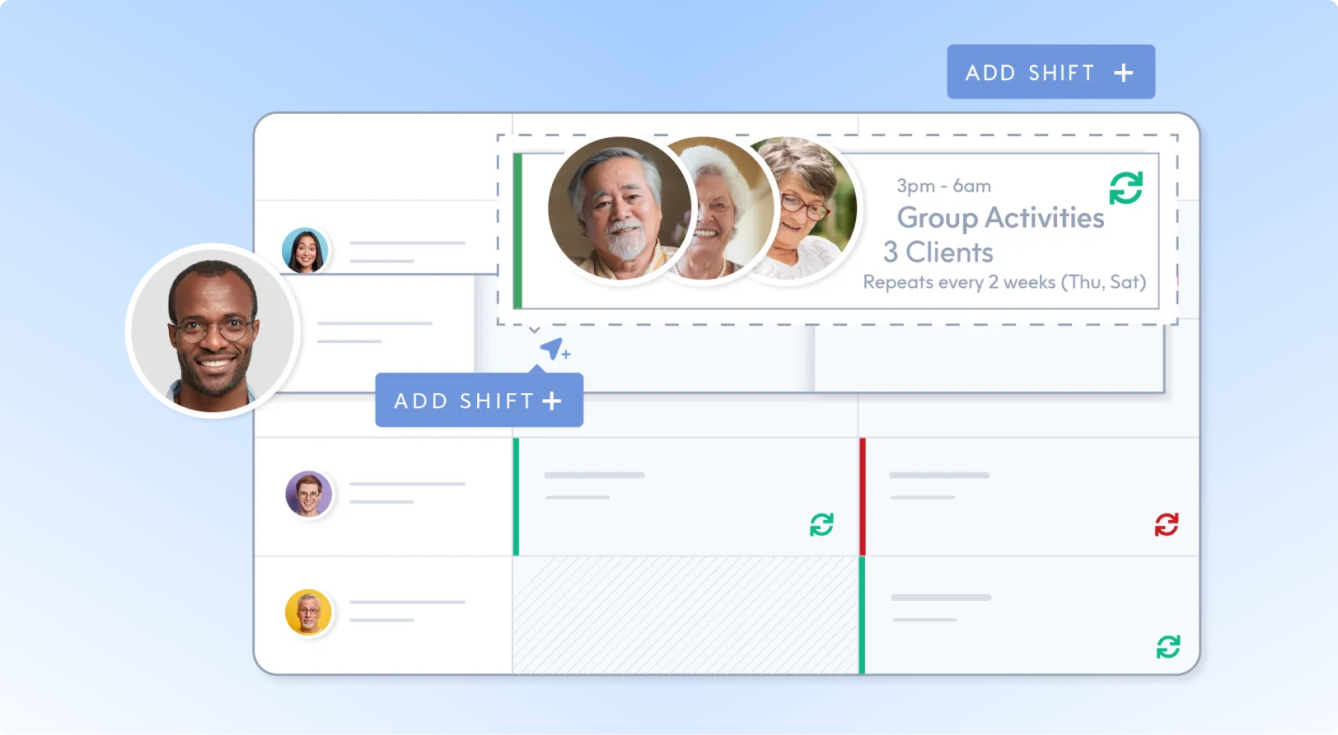
ShiftCare is care management software for Aged Care and NDIS providers, helping teams manage care delivery, rostering, and workforce operations. Connect ShiftCare with Xemplo to create approved worker records in ShiftCare and transfer the credentials collected during onboarding. Where Xemplo manages ongoing workforce compliance, relevant worker and credential updates can also continue to sync.
Visit Website

Xemplo Native (built by Xemplo)

Create workers after approval
ShiftCare staff profiles are generated once onboarding has been completed and approved in Xemplo.

Qualifications sync to ShiftCare
Add credentials collected in Xemplo to the worker’s ShiftCare profile as Qualifications.

Support ongoing compliance
When Xemplo manages the full worker lifecycle, you can keep relevant worker and qualification information updated in ShiftCare.
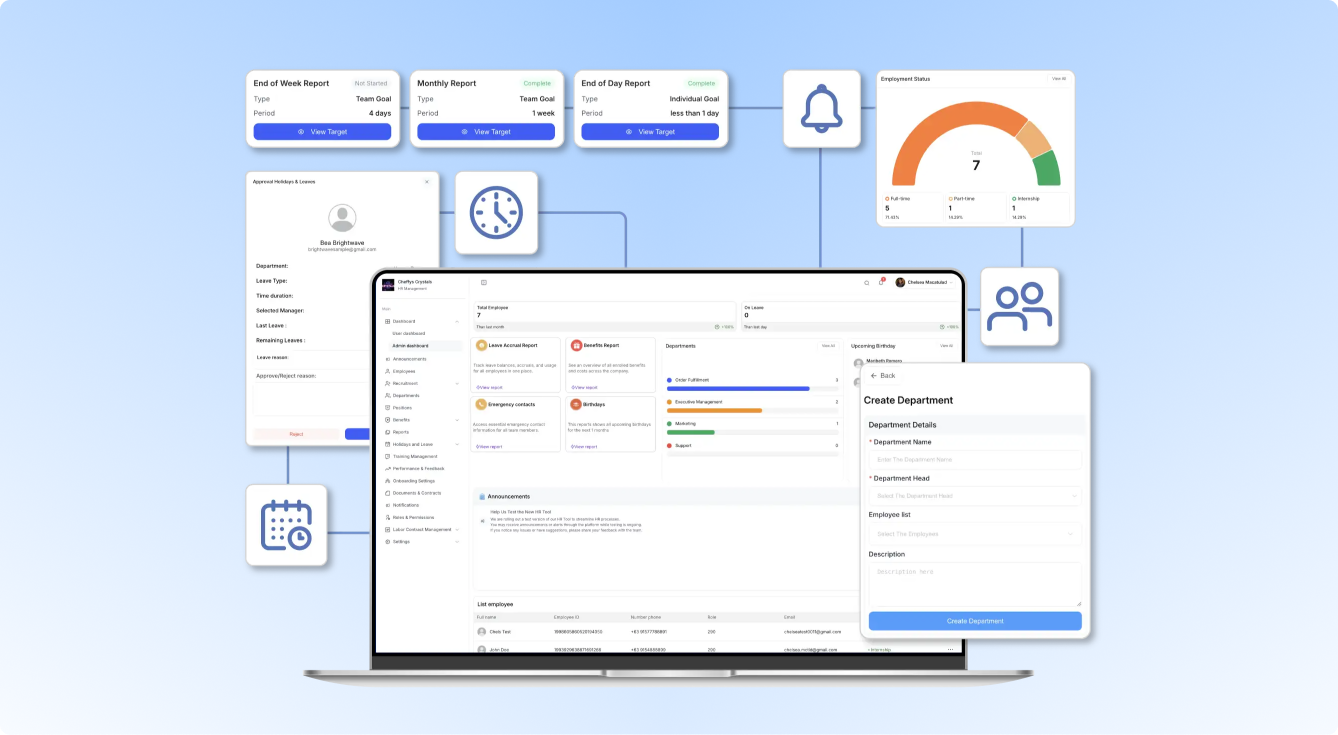
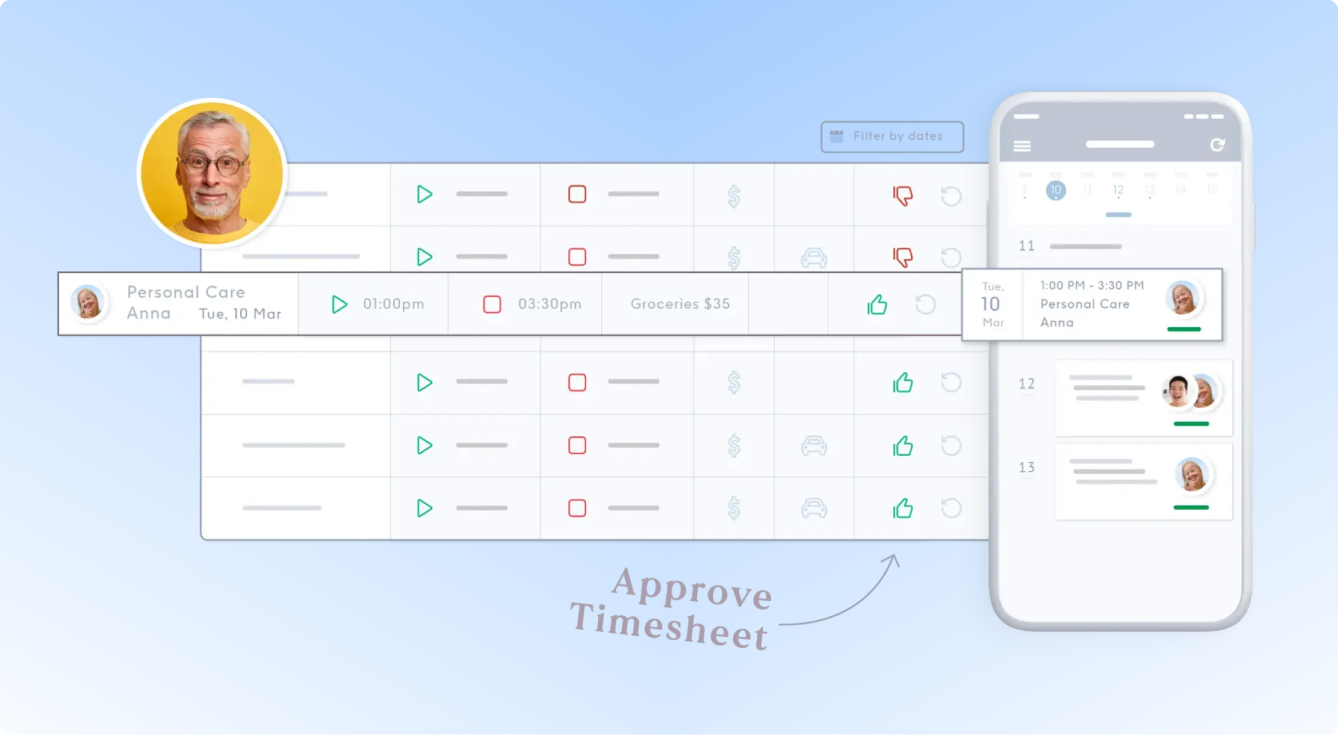
Xemplo collects and approves the worker information and credentials required during onboarding. Once onboarding has been approved, this integration creates the corresponding staff profile in ShiftCare with the credentials captured in Xemplo as Qualifications.
Do note that this integration is one-way from Xemplo to ShiftCare. Onboarding-only customers complete the handoff after approval and then maintain ongoing worker records within ShiftCare. Customers using Xemplo for ongoing compliance can also continue sending relevant worker and credential updates into ShiftCare.
Why connect ShiftCare to Xemplo?

Once onboarding has been completed and approved in Xemplo, automatically create the corresponding worker profile in ShiftCare.

Move approved personal and contact information from Xemplo into ShiftCare without entering the same details again.
Move approved personal and contact information from Xemplo into ShiftCare without entering the same details again.

Send credentials collected during Xemplo onboarding into ShiftCare as Qualifications against the worker’s profile.

Use Xemplo to complete onboarding, send the approved worker and qualifications to ShiftCare, then manage the ongoing worker record in ShiftCare.

Make approved worker information available in ShiftCare so operational teams can move new starters into rostering sooner.
The integration is a one-way flow from Xemplo to ShiftCare. Approved worker details and credentials move into ShiftCare after onboarding, while ongoing updates only continue when Xemplo is used for full worker lifecycle compliance.
| In Integration | Sync Direction | In Xemplo |
|---|---|---|
 Staff Profile
|

|
 Worker
|
|
Identity & Contact Details
|
|
Worker Details
|
|
Role & Employment Details
|
|
Position & Employment Details
|
|
Qualifications
|
|
Credentials
|
|
Qualification Updates
|
|
Credential Updates
|
|
Staff Profile & Status Updates
|
|
Worker Updates
|
Once a worker completes onboarding and the record is approved in Xemplo, the integration creates the corresponding Staff profile in ShiftCare. This removes the manual labour of recreating new workers in ShiftCare after onboarding and gives operational teams access to the worker record they need for rostering and care delivery.
Core worker information captured through Xemplo can be passed into the ShiftCare Staff profile. This includes key identity and contact information such as the worker's name, email, and mobile, alongside information used to align the worker to their role and employment setup.
Worker role or position information and relevant employment details can also flow from Xemplo into ShiftCare. This helps the operational worker record reflect the employment information already established during onboarding rather than relying on a second manual setup process.
Compliance information collected in Xemplo can be created as native Qualifications against the worker in ShiftCare. This can include credentials such as licences, First Aid or CPR, and other expiry-based requirements for the worker's role. Importantly, the integration is designed to use ShiftCare's Qualifications functionality rather than treating credentials as simple file attachments. That means qualification information can be visible against the staff profile and used within ShiftCare's expiry and operational compliance processes.
Relevant changes to credentials managed in Xemplo can be pushed into ShiftCare to keep qualification information aligned as worker compliance records change. This reduces the need for administrators to update the same qualification information separately across workforce and care management systems.
Relevant worker profile and status changes managed in Xemplo can also flow downstream into ShiftCare. This supports a cleaner worker lifecycle by reducing duplicate maintenance of profile information and keeping operational records aligned with changes made in Xemplo.
For onboarding-only customers, the integration creates the worker and their qualifications in ShiftCare after onboarding approval. Future edits made in Xemplo are not pushed to ShiftCare, as ongoing worker and compliance records are then maintained directly in ShiftCare.
For customers using Xemplo to manage ongoing compliance, relevant worker and credential updates continue syncing from Xemplo into ShiftCare.