
Xero is cloud-based accounting and payroll software that helps businesses manage financial and payroll processes in a single place. Connect Xero with Xemplo to keep workforce, payroll, and accounting data flowing between the systems your teams already use.
Visit Website

Xemplo Native (built by Xemplo)

Less double handling
Move worker, payroll, and finance data between Xemplo and Xero with fewer manual steps.

Payroll-ready data
Send approved workforce data into Xero Payroll for processing.

Connected finance
Keep invoices, bills, and payment statuses aligned across both Xemplo and Xero.

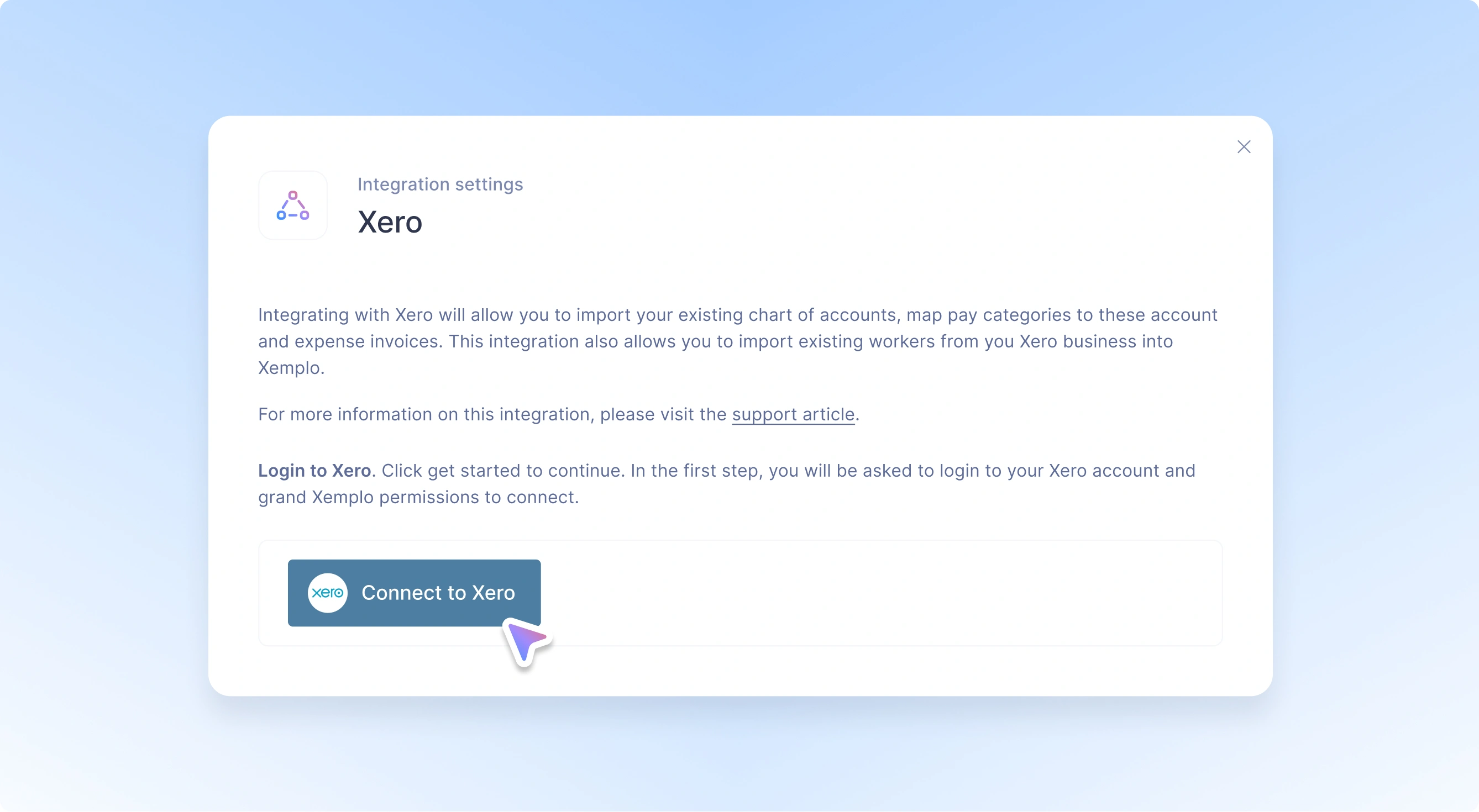
Manage workforce processes in Xemplo while Xero remains your accounting and payroll system.
Worker information collected through Xemplo can flow into Xero Payroll, while approved leave, expenses, and payroll data can be passed through for processing.
For Xemplo Bill clients, invoices and RCTIs can also flow into Xero Accounting (with payment statuses syncing back to Xemplo).
Why connect Xero to Xemplo?
*Functionality only available to Xemplo Bill clients.

When a worker is onboarded in Xemplo, their information can be used to create the corresponding employee record in Xero Payroll – including configured personal, employment, bank, tax, and superannuation details.

Already have employees in Xero? Import existing Xero Payroll employees into Xemplo as workers, so teams can start managing them in the latter without manually recreating their profiles.
Already have employees in Xero? Import existing Xero Payroll employees into Xemplo as workers, so teams can start managing them in the latter without manually recreating their profiles.

Approved leave requests and expenses captured in Xemplo can be synced into Xero Payroll, helping payroll teams work from information that has already undergone the required approval process.

Sync Xero pay categories, leave categories, and pay calendars into Xemplo so that workforce data leverages the same classifications and payroll schedules as Xero.

When an invoice is reconciled in Xero, its paid status syncs back to Xemplo, giving teams visibility of what’s paid and unpaid (without needing to check both systems).
This integration connects workforce, payroll, and accounting data across Xemplo and Xero. Information flows in both directions depending on the process – from worker and payroll setup through to leave, expenses, pay runs, invoices, and bills.
| In Integration | Sync Direction | In Xemplo |
|---|---|---|
 Invoice
|
← |
 Invoice
|
|
Contact (Customer)
|
← |
Host Company
|
|
Invoice Paid Status
|
→ |
Invoice Paid Status
|
|
Bill
|
← |
RCTI
|
|
Contact (Supplier)
|
← |
Worker (IC)
|
|
Employee
|
← → |
Worker
|
|
Leave Request
|
← |
Leave Request
|
|
Leave Categories
|
→ |
Leave Categories
|
|
Expense
|
← |
Expense
|
|
Payrun
|
← |
Payroll Batch
|
|
Pay Categories
|
→ |
Pay Categories
|
|
Pay Calendars
|
→ |
Pay Schedules
|
When an invoice is exported from Xemplo, it’s created as an Invoice in Xero. Individual invoice line items are transferred across, with account codes applied according to the preferences configured in Xemplo. This allows billing data prepared in Xemplo to move directly into Xero for accounting and reconciliation.
When an invoice is exported, Xemplo matches the Host Company receiving the invoice with the relevant customer contact in Xero. If that customer doesn’t already exist in Xero, the contact is created automatically before the invoice is exported (helping ensure the invoice is recorded against the correct customer).
When an invoice is reconciled in Xero, its paid status syncs back to Xemplo. This gives Xemplo users visibility of which invoices have been paid and which remain outstanding without needing to check their status separately.
When an RCTI is exported from Xemplo, it’s created as a Bill in Xero. Individual bill line items are transferred with account codes based on Xemplo preferences, allowing RCTI data to move into Xero for accounting and payment processing.
When a Xemplo bill relates to an independent contractor, the associated Worker is matched to a supplier contact in Xero. If the supplier does not already exist, Xemplo creates the contact before exporting the bill to record it against the correct supplier.
When a worker completes onboarding in Xemplo, the integration can create the corresponding Employee record in Xero Payroll. Information collected during onboarding is used to populate the Xero employee profile. Depending on the integration configuration, this can include personal and contact information, employment details, bank details, tax information, and superannuation information.
Existing Xero Payroll employees can also be imported into Xemplo as Workers. This is useful for businesses already leveraging Xero Payroll that want to introduce Xemplo without manually recreating their existing workforce. Once imported, workers can be managed in Xemplo for onboarding, workforce management, and payroll processes.
Once a leave request has been approved in Xemplo, it can be synced to Xero Payroll as a Leave Request. Only approved requests are passed across, helping ensure Xero receives leave that has already completed the required workflow in Xemplo and can be taken into account during payroll processing.
Leave categories in Xero are synced into Xemplo. This allows leave to be captured in Xemplo using classifications that align with Xero Payroll, such as annual leave, personal leave, and other leave categories established by the business.
Approved expenses in Xemplo are synced to Xero Payroll as Expenses. Only expenses that have completed the required review and approval process in Xemplo are passed through, allowing approved reimbursement items to be included in payroll processing.
For Xemplo Bill clients, payroll batches prepared in Xemplo can be synced into Xero Payroll as Pay Runs. Depending on the client's configuration and payroll process, this can include worker payments, timesheet data, leave, expenses, along with other payroll-related values contained in the batch.
Pay Categories in Xero are synced into Xemplo. These categories classify payments such as ordinary hours, overtime, allowances, and other pay items. Effectively, Xemplo only uses payroll classifications that are consistent with Xero.
Xero Pay Calendars sync into Xemplo as Pay Schedules. These schedules define payroll frequency and cycles – such as weekly, fortnightly or monthly – allowing worker payroll settings in Xemplo to remain aligned with the schedules used in Xero.
Xero Expense Categories can also be synced into Xemplo as Expense Categories, allowing expenses submitted in Xemplo to use classifications aligned with Xero Payroll. These may include travel, meals, accommodation, and other reimbursable costs.
Connect Xemplo and Xero to move workforce, payroll, and billing data between systems without manual re-entry.
Request a Demo