
Your workforce is spread across a dozen sites. Every pay run triggers at least three award classifications. And on top of all that, you’re managing regulatory obligations that change depending on which state an employee is based in.
This is the reality that modern businesses often face. It’s also the reason why onboarding software is no longer “nice to have” but a scaling necessity.
At a time when head office demands consistency and compliance, site managers crave speed, while new hires are regularly caught somewhere between the two, the risk of operational breakdown has become too high to leave to manual processes.
That’s why you need a system capable of absorbing complexity – whether it has to do with location, role, or regulations – one that can intelligently reconcile the gaps in your workforce management processes.
RELATED: Healthy Payroll Begins With Healthy Onboarding
What is the best onboarding software for multi-site companies?
The best onboarding software for multi-site companies treats location as a rule, not as an address.
It automatically applies the right contracts, training, licence, and screening checks for each combination of role and site, collects payroll details during onboarding, and shows in real time whether each worker is cleared to start.
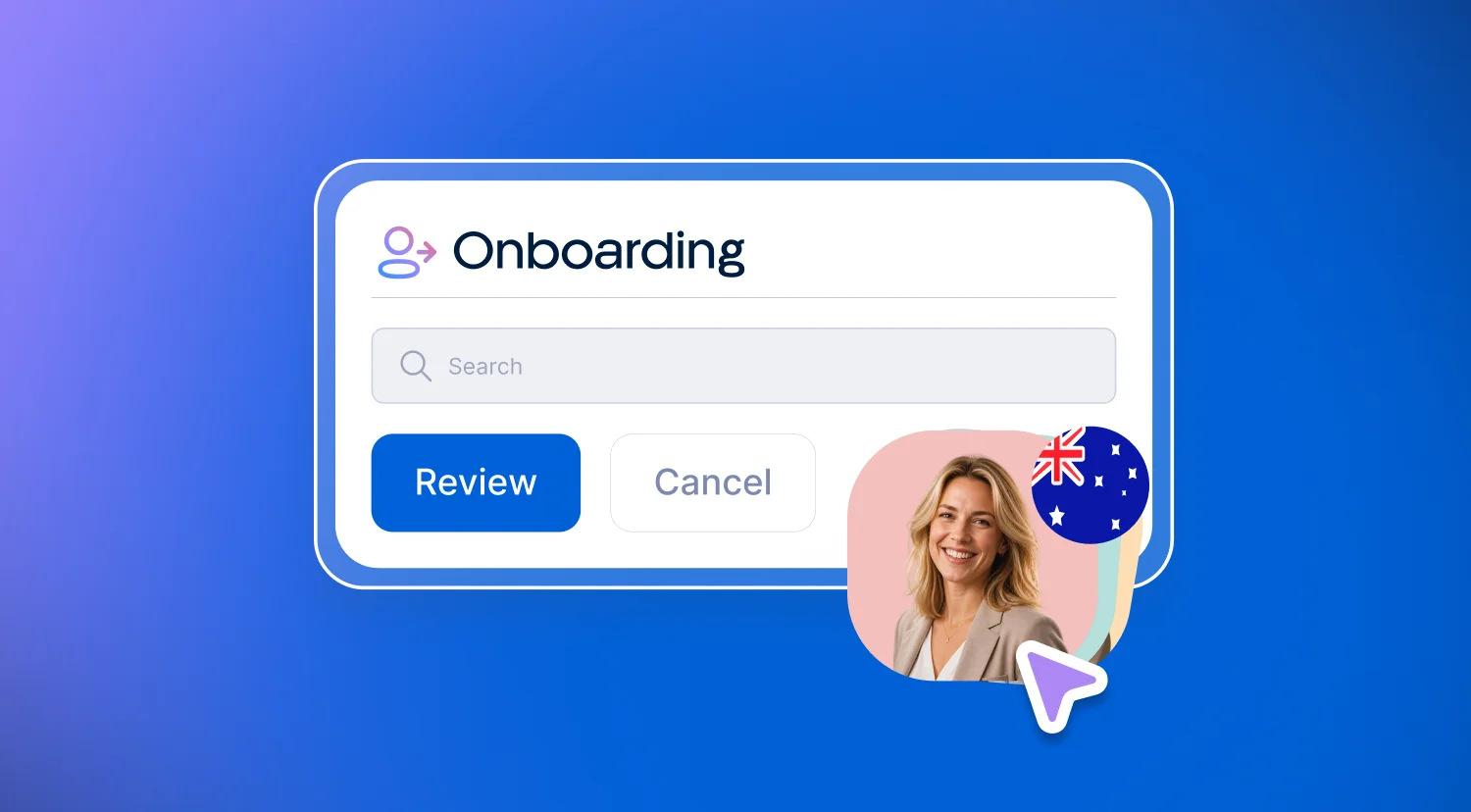
In Australia, that also means handling state-based licensing, TFN declarations, superannuation choice and the Fair Work Information Statement without manual workarounds. Xemplo Onboard is built for exactly this kind of labour-intensive, multi-site workforce.
The primary failure point in distributed onboarding is the assumption that every location operates the exact same way.
A security guard starting at a Perth site has different licensing, credentials, training, and – given the disparate climates – even uniform requirements than a guard rostered on in Melbourne.
Likewise, screening for disability support workers in a regional community program isn’t identical to screening for someone employed by a metro-based Supported Independent Living (SIL) house.
Generic onboarding platforms treat location as nothing more than an address field (which is where things can go wrong). For multi-site teams, location is a rules engine that ultimately determines:
- Which contracts apply
- Which training modules load
- Which compliance checks trigger
- Which payroll configuration the worker enters
When location only lives in a text field, the operational shortcoming falls upon site managers, who then become the de facto compliance layer charged with manually selecting the right documents, chasing the right checks, and hoping nothing slips by.
Research from G2 – based on 211 in-depth interviews with business professionals – found that 69% of HR and payroll buyers still operate in multi-system environments requiring manual reconciliation.
If you’re a multi-site employer, that reconciliation effort only multiplies with every additional location.
How generic and multi-site onboarding compare:
What onboarding platforms work best with payroll teams?
The onboarding platform that works best for payroll teams is the one in which onboarding and payroll share the same employee record.
Tax file number (TFN) declarations, superannuation and banking details are captured once, during onboarding, and flow straight into payroll – with the worker’s award or pay structure already applied – so the first pay run doesn’t depend on someone re-keying data.
Payroll integration is where the promise of “connected systems” most consistently gets stress-tested.
Plenty of platforms will certainly tell you they integrate with payroll (it’s in a provider’s best interest to market themselves as an all-encompassing “solution”). But does that integration meaningfully eliminate data re-entry or merely relegate it to another screen?
A recent survey of 776 US HR and finance leaders found that 64% of organisations lose at least 1% of their total payroll spend each month to errors and inefficiencies. Nearly half spend six or more hours every month correcting payroll errors alone.
Among companies with 250 to 500 employees, organisations making do with fragmented systems reported over 20 hours of correction time per month (compared with roughly six hours for those on connected platforms).
For multi-site employers, the stakes are even higher given the variables are more complex. Different sites may operate under different awards, pay rates, penalty structures, and of course, reporting obligations.
In other words, if onboarding collects tax, superannuation, and banking details in one system but payroll runs from another, every new hire creates a fresh reconciliation task.
Proper integration should ideally accomplish three key objectives:
- Collects payroll-critical information during onboarding (not after)
So a worker's tax details, superannuation, and banking information flow straight into the payroll configuration without re-entry. - Respects award or pay structures
This may apply to the worker's specific role and/or location. - Ensures workers are payroll-ready before their first shift
So pay runs are never delayed by incomplete records.
Xemplo's Onboard product was purpose-built to handle this.
Tax, superannuation, and banking details are captured upfront during the induction stage and synced directly to payroll engines – removing duplicate data entry and reducing first-run errors.
RELATED: What Is An Applicant Tracking System (And Why Do You Need One)?
How do location-based onboarding workflows work?
“Location-based workflows” essentially means that the onboarding journey adapts depending on where the worker will operate (not just who they are).
This matters given that – as we’ve established – compliance obligations, safety requirements, and operational procedures vary by geography.
Consider a staffing agency placing contractors across multiple client sites: each client may require different induction materials, PPE sign-offs, and background checks. If the onboarding system can only run a single, uniform workflow, someone on the operations team is manually assembling each hire's checklist.
At 10 hires a week, that’s relatively manageable. At 50, it’s a bottleneck. And at hundreds, it’s a compliance risk.
Location-based workflows should be prompted when a role and site are assigned.
The platform should know that a worker starting at Site A in NSW requires a specific licence verification that isn’t relevant for Site B in Victoria. It should also assign the right induction content, contractual clauses, and compliance checks without someone rebuilding the journey each time.
This is where Xemplo's approach to role-based onboarding makes a practical difference.
When you assign a position, the software automatically applies the appropriate contracts, policies, training, and checks, aligned with your compliance obligations for that specific combination of role and location.
The system absorbs the variation so site managers don’t have to carry it themselves.
What does “workforce readiness” look like in labour-intensive industries?
Workforce readiness is defined by the moment a new hire is fully cleared to work. Not the moment they’ve completed an arbitrary amount of paperwork.
“Cleared” means every credential is verified, every compliance check has returned with a green light, payroll is fully configured, and the worker can physically set foot on a site without their presence posing a liability.
In the context of desk-based teams, a day or two of incomplete onboarding is an inconvenience. When it comes to shift- and physical labour-based workers, it’s an operational failure.
A security guard without a current security licence cannot legally stand post. A disability support worker without an NDIS Worker Screening clearance cannot work in a risk-assessed role. Contractors whose right-to-work status hasn’t been confirmed create exposure for every shift they work.
In these instances, think of an onboarding platform as a boom gate.
The worker is either cleared or not cleared, and the system makes that status visible to operations in real time. There’s zero ambiguity, zero reliance on a manager's memory, nor any assumption that they’ll finish the paperwork sometime later this week.
Consider it binary.
The G2 research found that82% of HR and payroll leaders have not yet consolidated into a unified system.
With multi-site employers, if onboarding data and compliance status are fragmented across different systems, at the end of the day, someone must reconcile them before a worker can feasibly be deployed.
A unified platform eliminates that reconciliation.
How do you evaluate onboarding software for compliance-heavy industries?
Compliance-heavy industries need more than just document storage. Onboarding software should ideally enforce rules (not just record them).
Start with the compliance library – does the platform track regulatory changes by jurisdiction, or does your team have to manually update requirements when legislation changes?
In industries like security, healthcare, aged care, and disability support services, licence and credential requirements are a moving target. And a platform that’s unable to keep its compliance rules current only achieves a false sense of security.
Healthcare is a good example. A mid-sized healthcare provider may need to verify AHPRA registration for clinical staff, Work with Children Checks for some roles, and vaccination requirements set by the state or the employer – each with its own expiry date. Onboarding software that suits healthcare providers tracks each of these per worker and flags them before they lapse.
Next, examine how your onboarding software handles expiry and renewal – credentials become invalid, licences lapse, and right-to-work authorisations have a shelf life; platforms that only capture these details at onboarding and never revisit them are only doing half the job.
You need real-time monitoring and alerts that flag upcoming expirations before they become a compliance issue.
Finally, examine the audit trail – when a regulator or client requests evidence that a worker was properly screened, inducted, and cleared, just how quickly can you produce it? If the answer involves pulling records from multiple “solutions” and assembling them manually, the onboarding platform is simply not doing its job.
Xemplo offers automated compliance tracking, real-time alerts, and audit-ready reporting.
Instead of treating regulatory obligations as a set-and-forget task, credentials, licences, and right-to-work status are continuously monitored – when something is about to expire, the system flags it; when it does expire, the worker is flagged as not cleared until it’s renewed.
That’s compliance as an operational control, not a filing exercise.
RELATED: The Best Onboarding Software in Australia (2026)
What should you ask onboarding vendors before signing?
The right lines of enquiry cut through marketing patter and flashy promises to reveal whether a platform can really handle the operational dimensions of your workforce.
Ask how the platform handles role-plus-location logic: can it assign tailored onboarding requirements to the same role at different sites without excessive manual intervention?
If the answer involves workarounds or a fiddly custom configuration for each variation, the system was not designed for multi-site operations.
Ask about the payroll handoff: where exactly does onboarding end and payroll begin? Is there a gap where data must be transferred manually, or does data flow seamlessly through to a centralised record?
According to the G2 research, 78% of HR and payroll leaders evaluate on total cost of ownership, including implementation and ongoing support (not just subscription price). The cost of a manual payroll handoff is invisible on a vendor's pricing page, though very real in your team's weekly workload.
Ask about mobile access for workers: labour-intensive workforces, after all, aren’t exactly sitting at desks completing onboarding forms. They’re out and about on job sites, in transit, between shifts. If the onboarding experience requires a desktop browser and a PDF reader, you will lose new hires before they start.
Xemplo's mobile app enables workers to complete onboarding on their phones, submitting details, documents, and payroll information in one place.
Ask about implementation support: the G2 research also found that 77% of HR and payroll leaders expect dedicated, continuous human support from specialists who know their account. That expectation should extend to onboarding software providers.
At Xemplo, implementation follows a structured, phased approach with a dedicated implementation specialist assigned to your account, because the transition to a new workforce management platform is a consequential operational moment that deserves structured support.
Last but not least, ask what happens when your workforce grows: onboarding software that works for 50 workers across three sites may not scale to 500 workers across 30 sites – does the system absorb growth through a robust rules engine, or does every new site require a fresh calibration project?
The bottom line (making the right choice)
Selecting and auditioning onboarding software for a multi-site workforce should never be treated as a feature-comparison exercise. This is an architectural decision concerning:
- Where your employee data will live
- How compliance will be enforced, and
- Whether your operations team will invest their time managing people or managing systems
The right platform absorbs the complexity, so your team can focus on the workforce (not the infrastructure surrounding it).
If your onboarding process is creating more work than it eliminates, it’s worth scrutinising whether the platform was truly designed for the kind of workforce you actually manage.
At Xemplo, we’ve built our onboarding workflow around the realities of labour-intensive, multi-site workforces – based on the same recurring patterns we saw repeated across security, disability services, healthcare, and staffing.
Our aim is to ultimately provide each worker with a clear, structured pathway based on their role, while also offering the people responsible for deploying that workforce the critical information they need to consistently make informed business decisions.
When evaluating your options, examine how each platform handles the variations that make your workforce difficult to manage closely. The right fit should reflect the way your organisation actually operates – from the first compliance check to the point a worker is ready to start.
Also read:
- How To Avoid Unfair Dismissal Claims in Australia (Employer’s Guide)
- How To Prevent Underpayments In Australia
- Award Interpretation Explained (How Modern Awards Drive Payroll & Compliance)
- Paid Parental Leave In Australia Gets An Update From July 1
- AU Employment Law: What You Need To Know
- NZ Employment Law: What You Need To Know
- UK Employment Law: What You Need To Know
- Where NDIS Providers Are Most Exposed Right Now

.webp)